
Google Workspace vs Webmail: Why Businesses Upgrade
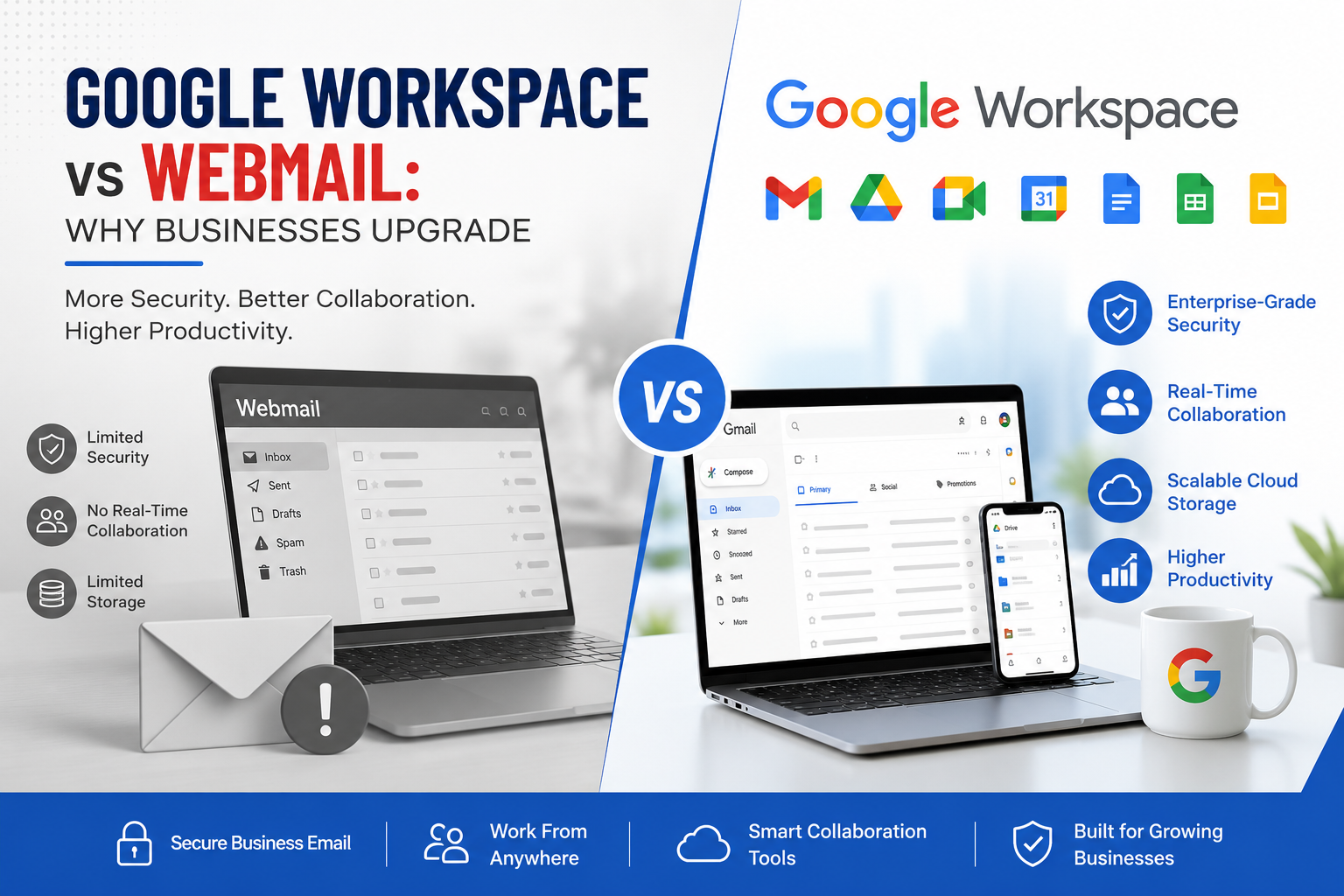
Email is one of the most important communication tools for any business. Whether you're responding to customer inquiries, sending quotations, managing projects, or communicating with employees, your email platform directly impacts productivity and professionalism.
Many startups and small businesses begin with basic webmail services because they're easy to set up and inexpensive. However, as businesses grow, they often encounter limitations such as storage constraints, security risks, poor collaboration, and limited administrative control.
This is why thousands of businesses worldwide are upgrading from traditional webmail to Google Workspace—a cloud-based productivity suite designed to support modern business operations.
In this article, we'll compare Google Workspace and webmail, highlighting the key differences and explaining why businesses choose Google Workspace.
What Is Webmail?
Webmail is a browser-based email service that allows users to access email over the internet.
Common webmail services include:
- cPanel Webmail
- Horde
- Roundcube
- SquirrelMail
- ISP-provided email hosting
While webmail handles basic email communication, it typically lacks the advanced collaboration, security, and administrative features required by growing businesses.
What Is Google Workspace?
Google Workspace is Google's cloud-based business productivity platform.
It includes:
- Gmail for Business
- Google Drive
- Google Meet
- Google Calendar
- Google Docs
- Google Sheets
- Google Slides
- Google Chat
- Google Workspace Admin Console
Unlike traditional webmail, Google Workspace combines professional email with collaboration, cloud storage, and enterprise-grade security.
Google Workspace vs Webmail
1. Professional Business Email
Webmail
Most webmail services provide only basic email functionality.
Managing accounts often requires manual configuration.
Google Workspace
Google Workspace provides:
- Professional email using your company domain
- Smart Gmail interface
- Reliable email delivery
- AI-powered features
- Easy account management
Winner: Google Workspace
2. Storage Capacity
Webmail
Many webmail providers offer limited mailbox storage.
Employees often delete important emails to free up space.
Google Workspace
Google Workspace provides scalable cloud storage for emails and files, allowing businesses to grow without worrying about mailbox limits.
Winner: Google Workspace
3. Security
Webmail
Security features vary depending on the hosting provider.
Businesses may have limited protection against:
- Spam
- Malware
- Phishing
- Unauthorized access
Google Workspace
Google Workspace includes:
- Advanced spam filtering
- Phishing protection
- Multi-Factor Authentication
- Endpoint management
- Admin controls
- Data encryption
Winner: Google Workspace
4. Reliability
Webmail
If your hosting server experiences downtime, your email service may become unavailable.
This can result in:
- Missed customer inquiries
- Delayed communication
- Lost business opportunities
Google Workspace
Google Workspace offers reliable cloud infrastructure with a 99.9% uptime commitment, helping businesses stay connected.
Winner: Google Workspace
5. Team Collaboration
Webmail
Traditional webmail focuses only on email.
Employees often rely on multiple third-party applications for meetings, file sharing, and document editing.
Google Workspace
Everything works together in one platform:
- Google Meet
- Google Drive
- Docs
- Sheets
- Slides
- Calendar
- Chat
Teams collaborate in real time from anywhere.
Winner: Google Workspace
6. Remote Work
Webmail
Remote access depends on server configuration and may require VPNs or additional setup.
Google Workspace
Employees can securely access:
- Documents
- Meetings
- Calendars
- Files
from any internet-connected device.
Winner: Google Workspace
7. Admin Control
Webmail
Managing users often requires logging into hosting control panels.
Features may be limited.
Google Workspace
The Admin Console allows administrators to:
- Add or remove users
- Reset passwords
- Manage devices
- Configure security policies
- Monitor activity
- Control access permissions
Winner: Google Workspace
8. Backup and Data Protection
Webmail
Many hosting providers offer limited backup options, and businesses are often responsible for managing their own backups.
Google Workspace
Google's cloud infrastructure provides built-in redundancy and secure data management. Many businesses also use dedicated backup solutions for additional protection and compliance.
Winner: Google Workspace
9. Scalability
Webmail
As your business grows, increasing storage or adding users may require hosting upgrades and manual configuration.
Google Workspace
Adding new users takes only a few clicks.
No server upgrades.
No hardware.
No complex configuration.
Winner: Google Workspace
10. Productivity
Webmail
Employees switch between multiple tools to complete daily work.
This reduces efficiency.
Google Workspace
One platform provides:
- Meetings
- Cloud storage
- Documents
- Team chat
- Calendar
Everything is integrated for maximum productivity.
Winner: Google Workspace
Signs Your Business Has Outgrown Webmail
Your business should consider upgrading if you experience:
- Frequent mailbox storage issues
- Slow or unreliable email performance
- Limited collaboration tools
- Employees using personal file-sharing services
- Difficulty managing user accounts
- Growing cybersecurity concerns
- Need for remote work support
- Multiple disconnected business tools
These are common indicators that it's time for a modern business productivity platform.
Why Businesses Choose Google Workspace
Organizations upgrade to Google Workspace because it offers:
- Professional business email
- Enterprise-grade security
- Reliable email delivery
- Cloud-based collaboration
- Secure file sharing
- Video conferencing
- Easy user management
- Mobile accessibility
- Scalable cloud infrastructure
- Increased employee productivity
Instead of managing multiple applications, businesses can work from one integrated platform.
Migrate to Google Workspace with XL Technologies
Migrating from webmail to Google Workspace doesn't have to be complicated.
As a trusted Google Workspace Partner in Dubai, XL Technologies helps businesses migrate from:
- cPanel Webmail
- Roundcube
- Horde
- Microsoft Exchange
- Microsoft 365
- Zoho Mail
- IMAP email services
Our migration services include:
- Secure email migration
- Zero or minimal downtime
- Domain verification
- DNS and MX record configuration
- Email, contacts, and calendar migration
- User setup and configuration
- Google Workspace security configuration
- Ongoing technical support
We ensure a smooth migration so your team can continue working without interruption.
Conclusion
While webmail is suitable for basic email communication, it often falls short as businesses grow. Limited storage, weaker security, lack of collaboration tools, and administrative challenges can slow productivity and increase IT complexity.
Google Workspace provides a modern, cloud-based solution that combines professional business email, secure collaboration, enterprise-grade security, and powerful productivity tools in one platform. Businesses that upgrade gain greater flexibility, improved reliability, and the ability to support hybrid and remote work with ease.
If you're planning to move beyond traditional webmail, partnering with an experienced Google Workspace Partner in Dubai can help you migrate securely, minimize downtime, and maximize the value of your investment in Google Workspace.

 English
 French
 Spanish
 Portuguese
 Deutsch
 Turkish
 Dutch
Dutch
 Italiano
 Russian
 Romaian
 Portuguese (Brazil)
 Greek
Greek